How do you schedule a full day of handyman jobs without wasting drive time?
How to sequence jobs, batch by area, and build a realistic day that spends time on work, not the road.
Batch jobs by neighborhood so you finish one area before moving on, and book them in a logical geographic order rather than by call sequence. Group similar tasks to reuse tools and setup, pad each job with realistic buffer, and keep a small filler task ready if a slot opens up.
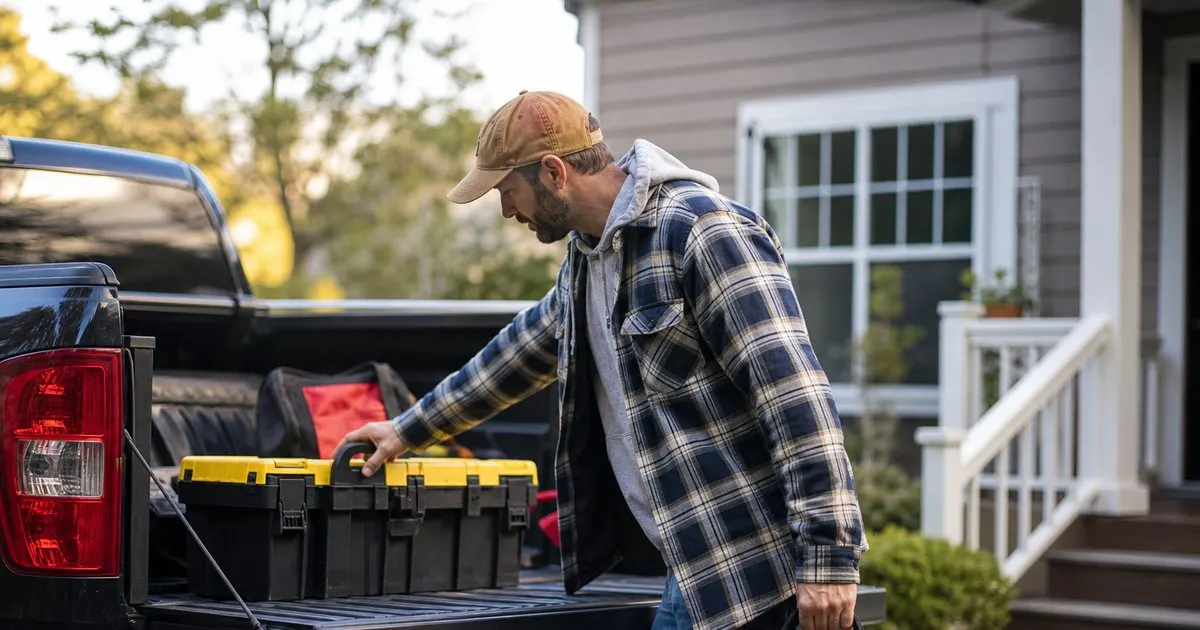
Group jobs by area
The fastest way to waste a handyman's day is to book jobs in the order the calls came in. That sends you across town and back for no reason. Instead, group the day's jobs by area so you finish one part of town before moving to the next, and the driving becomes a single logical loop. Related: Why do so many handyman estimates never turn into booked paying work?
This starts at booking. When you schedule a new job, look at what you already have that day and try to slot it near an existing stop, so the day fills in tight clusters rather than scattered pins on a map.
Keep reading: What is the best way to write a handyman quote that wins the job?, Why do so many handyman estimates never turn into booked paying work?, When should a handyman follow up on a quote that has gone quiet?. See how HandyPlanr helps you handyman job scheduling and quote tracking.
Estimate each job honestly
A day falls apart when you underestimate how long jobs take. A quick faucet swap and a full door rehang are not the same, and packing the day as if everything is quick means the afternoon jobs get pushed and the last customer gets a call. Estimate each job's real time, including setup and cleanup. Related: What should a handyman do when a customer cancels the morning of the job?
Padding a little is wise. Handyman work is full of surprises, the hidden rot, the wrong part, the job that grows once the wall is open, and a day with no slack turns one surprise into a cascade of late arrivals.
Order by time windows and priority
Some jobs have fixed windows, a customer who is only home in the morning or a repair that must be done before a plumber arrives. Anchor those first, then fill the flexible jobs around them in a way that still keeps the driving tight. The route serves the fixed points, not the other way around. Related: Which jobs should a solo handyman book first on a packed schedule?
Balancing geography against time windows is the real puzzle. Sometimes a slightly longer drive is worth it to hit a hard time window, and seeing the whole day at once is what lets you make that trade well.
Keep the day on one screen
Juggling all of this in your head or across text messages is where jobs get double-booked and drive time balloons. When the whole day, its order, and the drive between stops sit on one screen, the plan is clear and you can adjust it in seconds when something changes. Related: How much buffer time should a handyman leave between back-to-back jobs?
HandyPlanr puts the day's jobs on one view ordered by location, so you can see the route, spot the wasted backtrack, and build a day that spends its hours on billable work instead of the windshield.
- Group the day's jobs by area, not by call order.
- Estimate each job's real time and pad for surprises.
- Anchor fixed time windows, then fill around them.
- Keep the whole day on one screen to cut backtracking.

Julien Jimenez
Julien Jimenez is an independent software builder based in Paris. He designs, ships, and operates focused SaaS products for small businesses and independent professionals. Read the full author page.
Frequently asked questions
How much buffer should you leave between jobs?
Enough to cover travel plus the overruns that are normal in repair work, often a bit more than you expect. Underbuffering makes one slow job cascade into late arrivals for the rest of the day.
Should you schedule tight to fit more jobs in?
Overpacking backfires. One delay pushes every later job late, frustrating customers and rushing your work. A realistic schedule with buffer usually earns more through repeat business than cramming an extra stop.
Book The Day, Close The Quote
Handyman job scheduling and quote tracking. HandyPlanr is built to help you put this into practice.
Start free trialMore from the HandyPlanr blog

What is the best way to write a handyman quote that wins the job?


When should a handyman follow up on a quote that has gone quiet?
Get the HandyPlanr playbook
Practical guides on handyman software, straight to your inbox as we publish them. No spam, unsubscribe any time.